
The Website Clinic · Compliance & accessibility

Accessible PDFs

Tag and repair PDFs so screen readers can read them.

$12–$25 per page

A first look at accessible pdfs

Find linked PDFs on your website. This website scan does not inspect document tags or reading order; the actual files need a separate document review.

No email, signup or payment required. Automated checks do not find every issue.

PDF documents findings first, followed by everything else we find.

Why it bites

A document can look right and still be unreadable

Important information may have no usable reading order

An untagged document can read in a confusing sequence, and a scanned page may offer no selectable text. Customers who rely on assistive technology can miss instructions even though the document looks correct on screen.
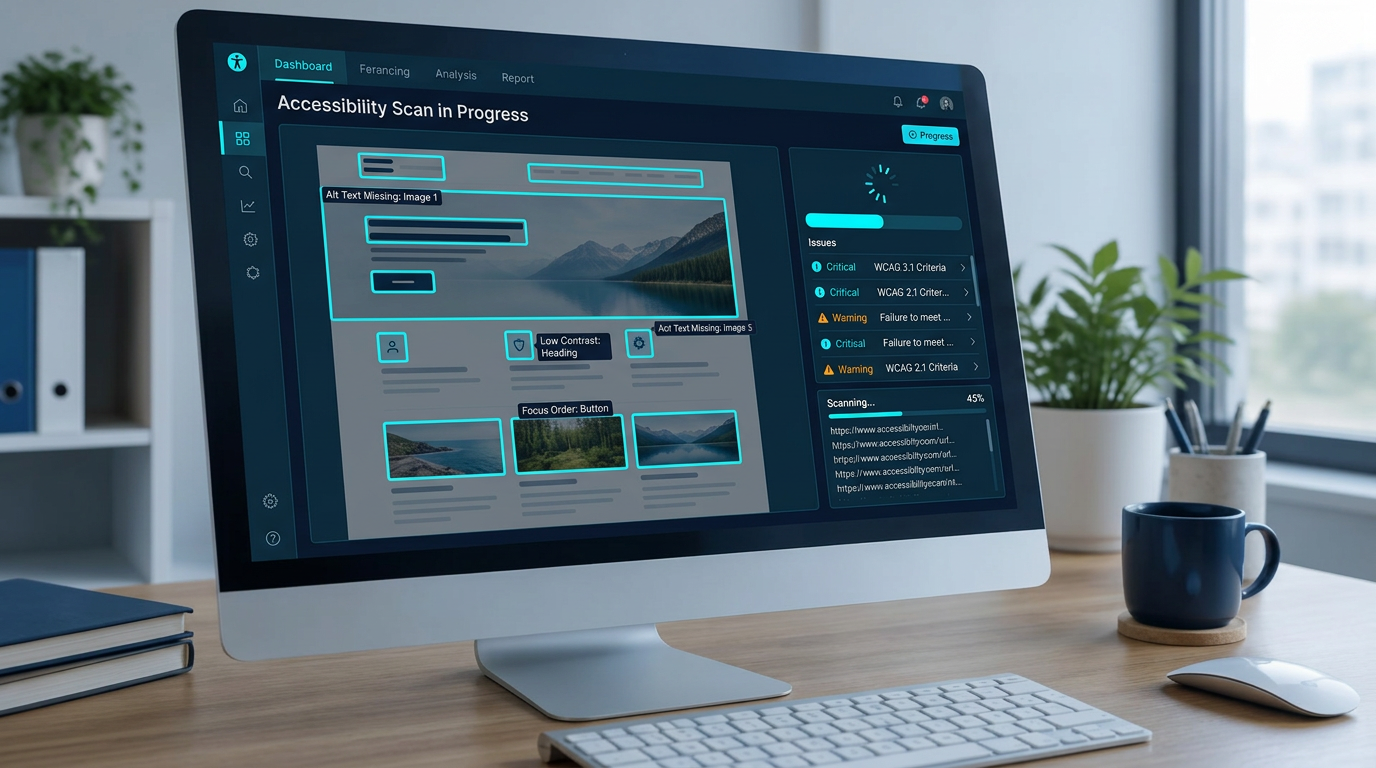

Tables and forms need more than appearance

Without meaningful headings, table associations and field labels, a reader may not know which value belongs to which column or what to enter. A repaired tag tree still needs checks against the document’s actual content.

Every replacement file can reintroduce the issue

Replacing a fixed PDF with a fresh untagged export can undo the work. Complex layouts and missing source files also affect scope, so an honest quote starts with inspecting the supplied documents rather than assuming all pages are alike.

Repair structure, then check meaning

  1. Step 1

    Inspect the source and page complexity

    Review supplied PDFs and available original documents. Identify scanned text, tables, forms and layout complexity before confirming the per-page quote and minimum per document.

  2. Step 2

    Repair the document structure

    Add or correct tags, heading hierarchy, reading order and supported form labels. Review image descriptions with your subject knowledge and check OCR text against the original where needed.

  3. Step 3

    Check meaning as well as tags

    Use an accessibility checker alongside manual reading-order and assistive-technology checks on the agreed scope. A passed automated check alone is not presented as proof of accessibility.

  4. Step 4

    Deliver reviewed files and evidence

    A different reviewer checks the repaired document before delivery. Supply the fixed files, checked scope and remaining limitations; explain export considerations to help prevent the next update undoing the work.

Why passing a PDF checker is only part of the review

A valid tag tree can still describe a confusing reading order, incorrect table associations or meaningless image text. We inspect the supplied file and check the content as well as its structure; the website scanner does not audit PDF internals.

Reviewed documents you can publish

  • Tags, reading order and headings
  • Alternative text for images
  • Accessible tables and form fields
  • Checked with an accessibility checker and by hand

Scope first. Then your estimate.

Your preliminary estimate helps plan the agreed work. We confirm scope and price in writing before starting; unrelated findings are quoted separately.

1. What does your website need?

Protect & defend
Fix what's broken
Compliance & accessibility
Grow & build

2. How big is your website?

3. Your preliminary estimate

Quoted

CAD, before tax

Estimated turnaround
2–4 business days

Accessible PDFs: $12–$25 per page, $75 minimum per document — quoted once we see the files.

Request estimate review

Preliminary estimate only. We confirm scope and price in writing before any work starts; nothing is charged here.

Send the files and their originals where available

To define the scope
The documents or approved public links, page counts and original source files if available. Flag scanned pages, complex tables and fillable forms so we can inspect the scope.
For approved work
Permission to edit the supplied documents and your review of content-specific image descriptions. Website access is needed only if publishing the replacements is part of the agreement.

Do not send passwords through an enquiry form. Where access is needed, use a separate limited account through an agreed secure handoff, and revoke it after the engagement.

Review after changes

Is this a one-time fix or ongoing care?

Repair each supplied document once; new or replaced PDFs need separate review. Website scans do not inspect PDF accessibility.

Compare monitoring coverage and project work · Monitoring is optional and quoted separately.

The Website Clinic by Fortress

Tell us about your documents

Approximate total pages

No payment is collected. Scope and pricing are agreed before work starts. Do not send passwords, card details or private documents. Privacy policy

Related services